On the Catalogue page, you can browse all the courses available on the platform and use the filters to search for a specific course. By clicking Learn more, you can access details about each training course, including its objective, duration, structure and program. To access the training content, you must first create an account by clicking Log in in the top right-hand corner and then selecting Create an account. Once you have created your account and logged in, you can access the training content by clicking Enroll for free courses or Buy for paid courses. For paid courses, access may take up to 5 minutes after purchase. From the date of purchase, the training content will be available for six months.
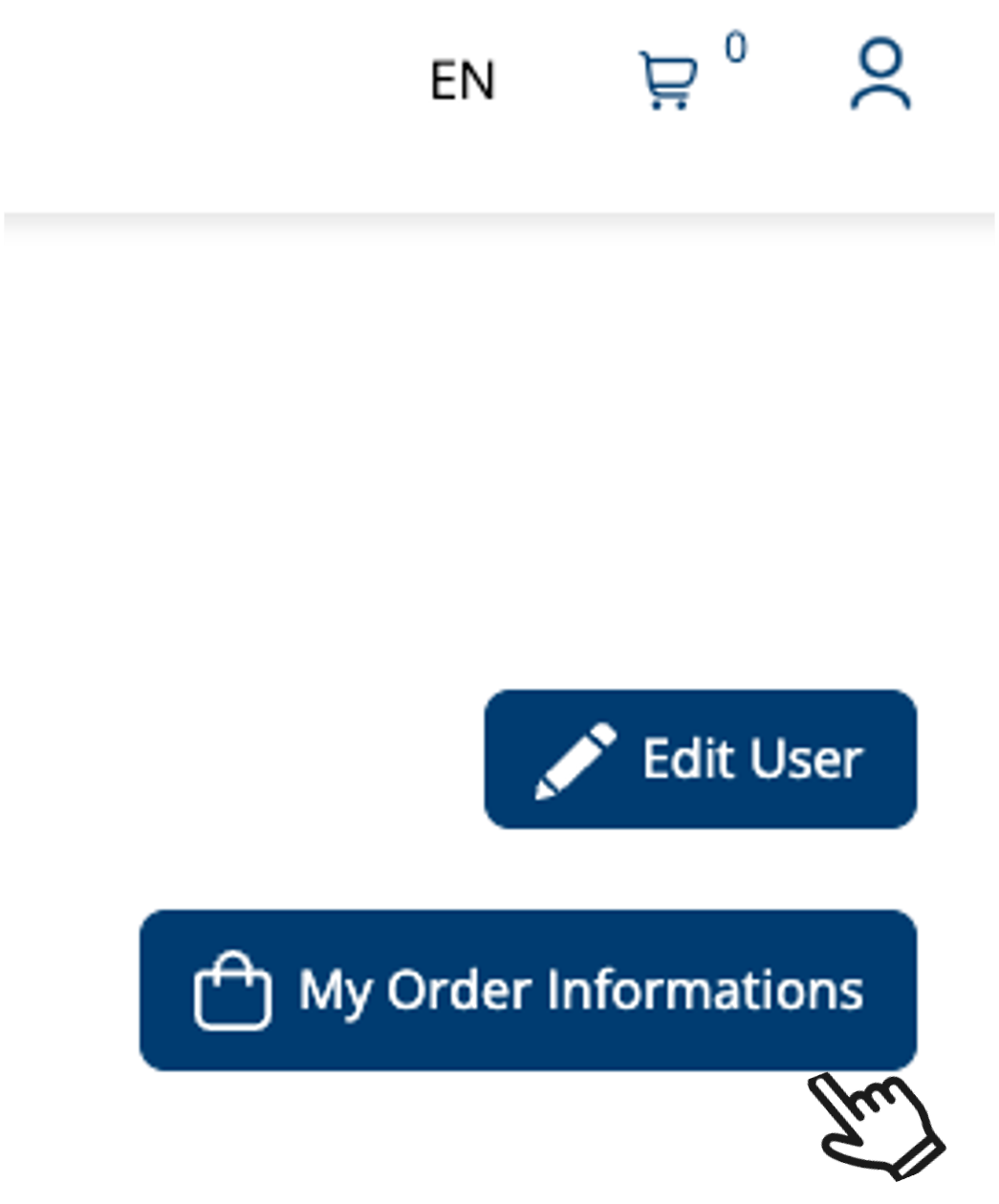
Payment details and invoices are sent automatically to the email address associated with your account. You can also download your invoices from your account by clicking on My order informations in the top right-hand corner.
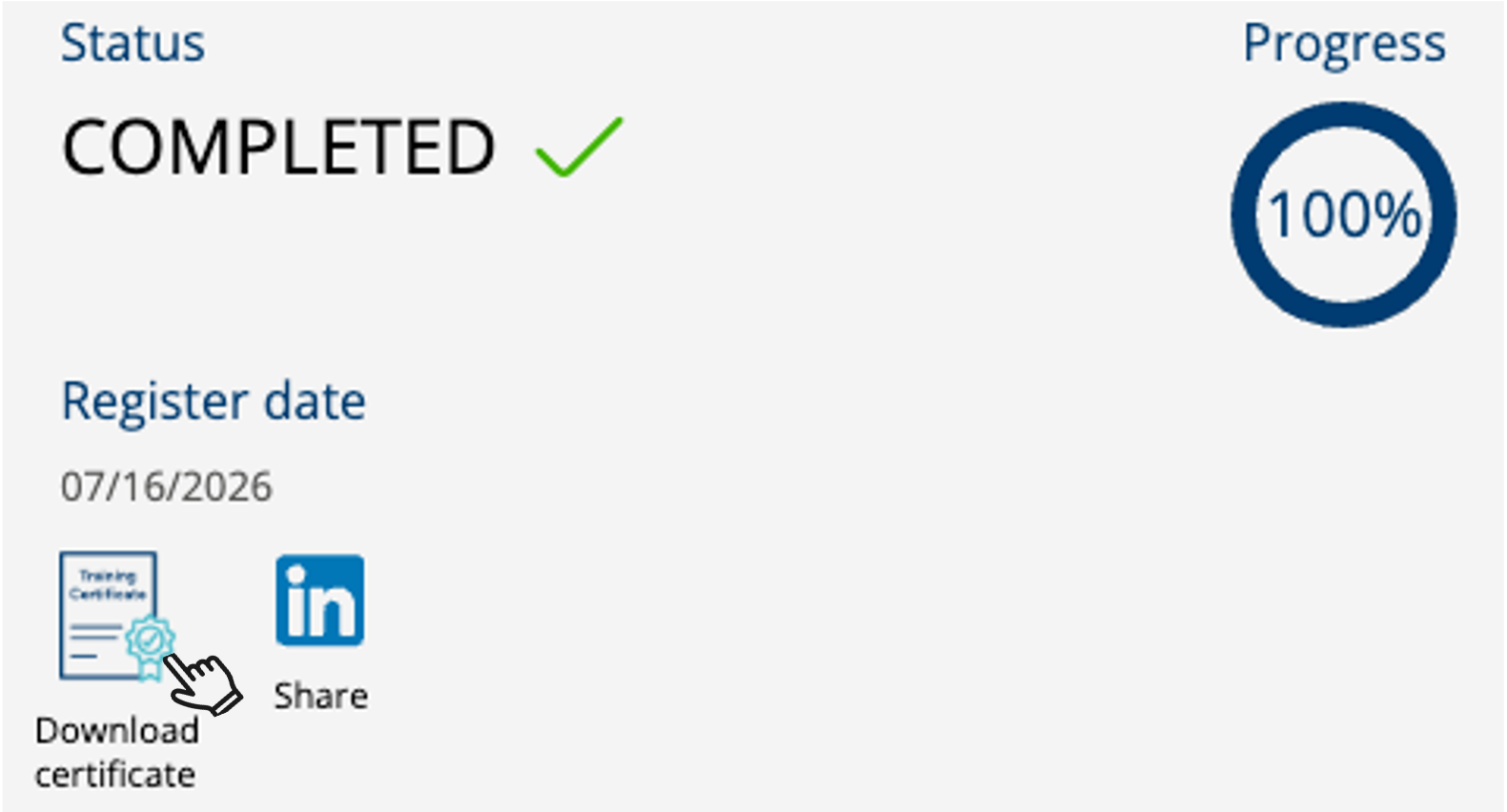
For paid courses, the course status changes to Completed and the certificate is issued once you have completed all the modules and achieved the minimum required score in the Final Assessment. For free courses, the course status changes to Completed once all the modules have been completed.
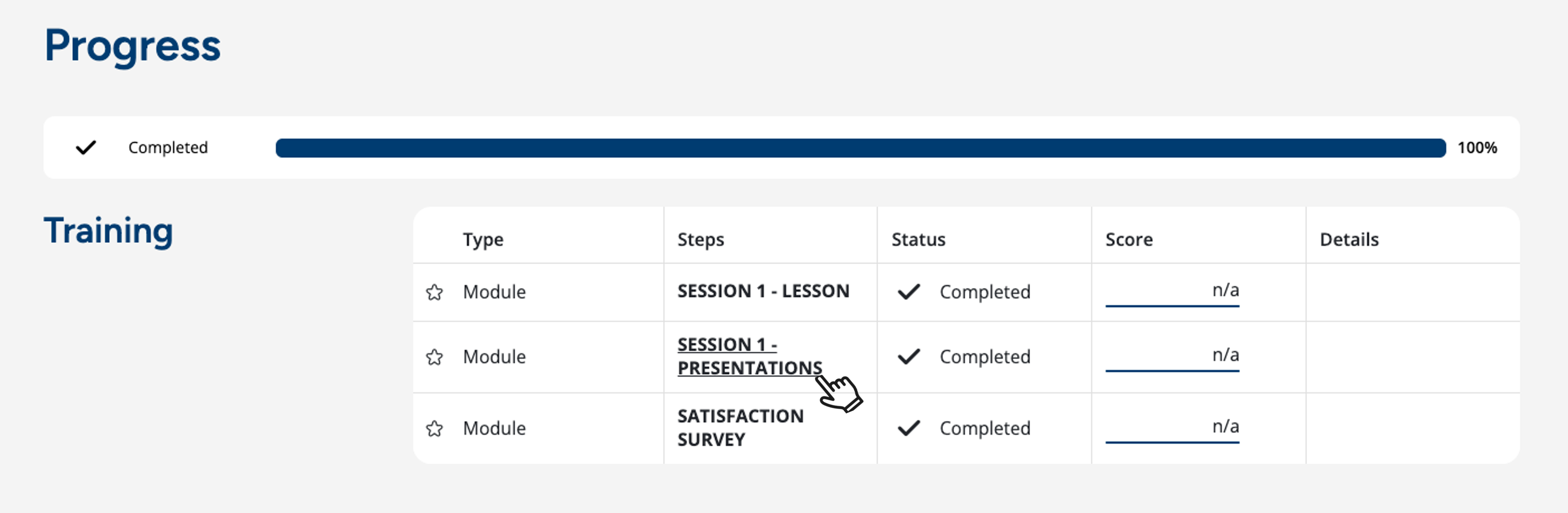
You do not need to restart the entire course to review the content of a completed module. Go to the Progress Dashboard at the bottom of the course page and click on the name of the module you wish to revisit.
Training certificates are only available for courses that indicate this on the course page. The certificate will be made available on the platform once you have completed all the modules and achieved a score of 70% or higher in the Final Assessment. You can download it from the See progress section or from your user area, and share it on your LinkedIn profile if you wish.
If you have any question or need further information, please contact us at capacitarmais@aicib.pt.